Setup guide for CommanderAI
The CommanderAI app allows users to connect the CommanderAI platform with HubSpot, which lets users export leads generated in CommanderAI directly into their HubSpot account.
Install the app
1
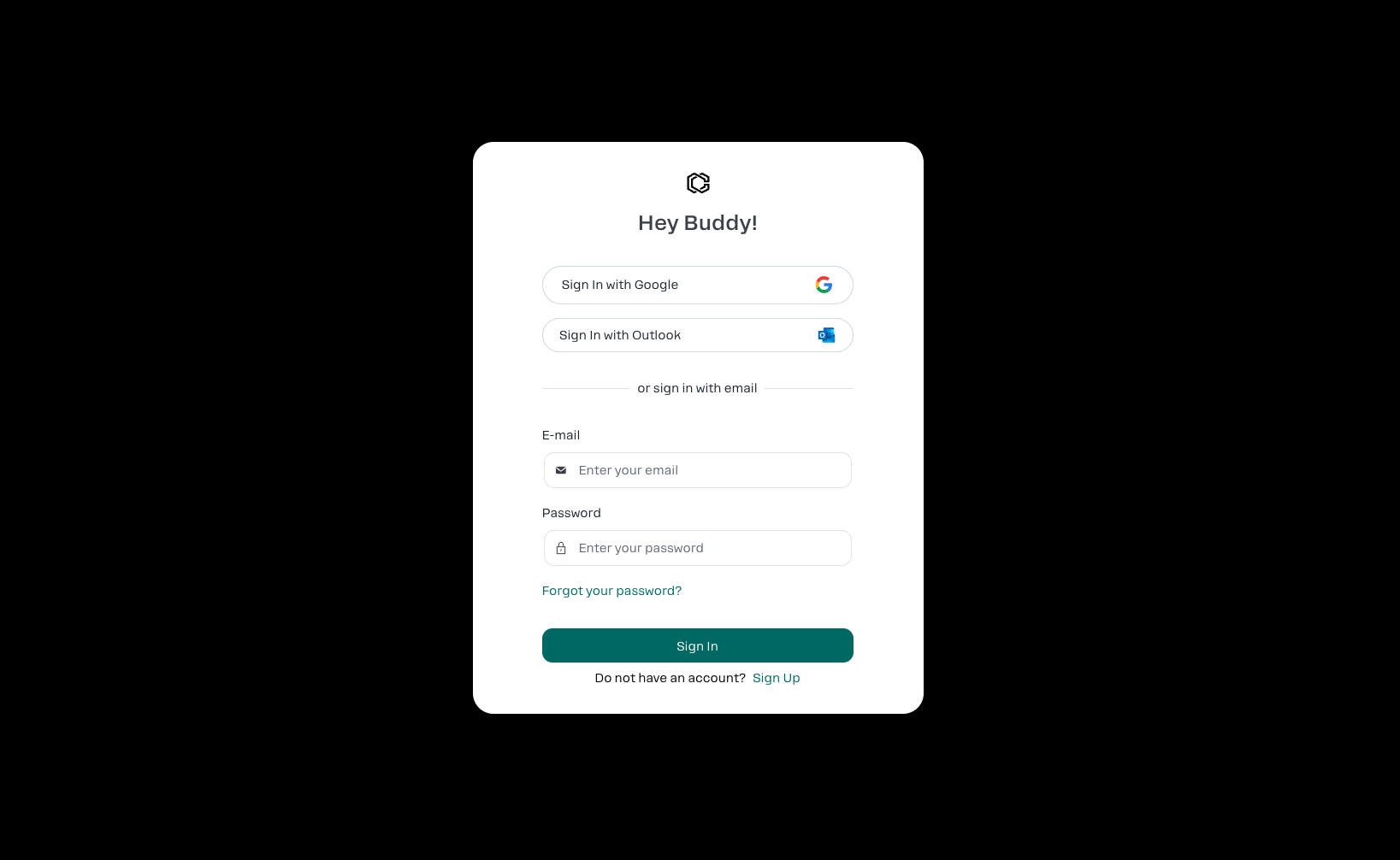
Log in to CommanderAI.
2
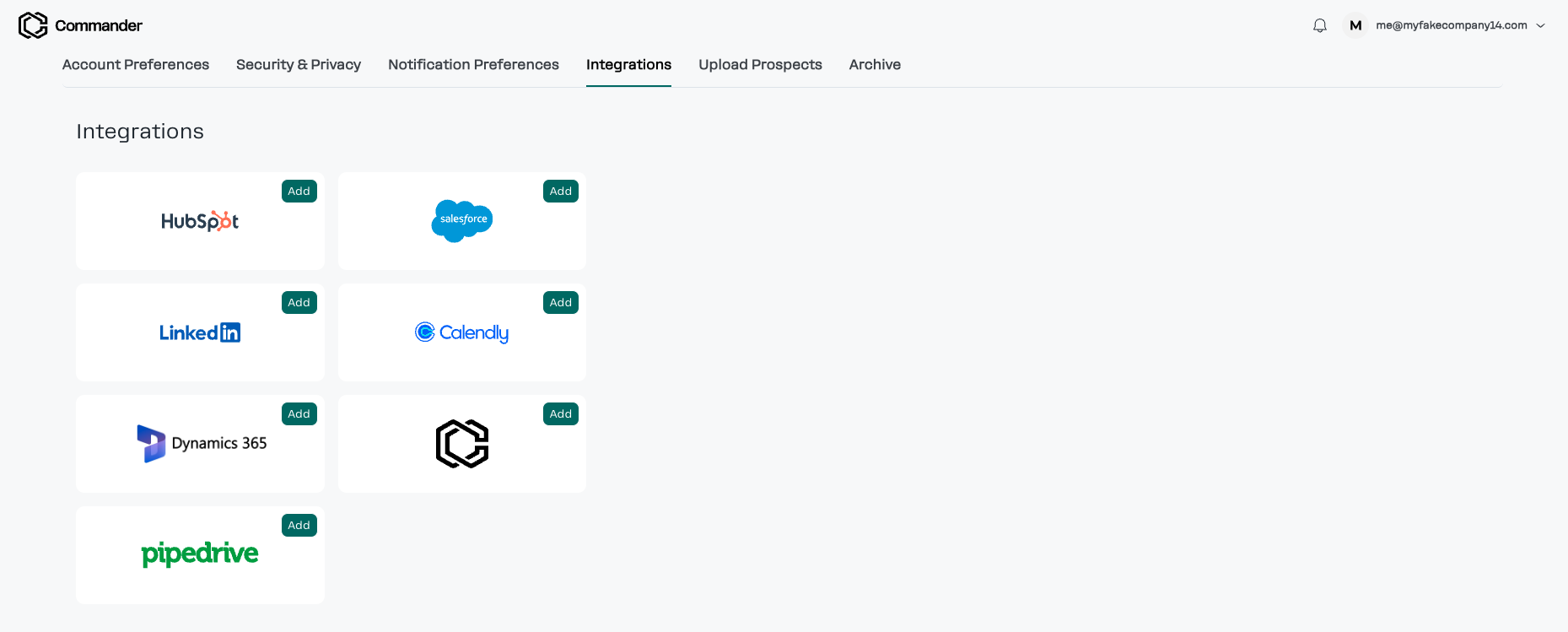
Navigate to Settings > Integrations.
3
Locate the HubSpot card.
4
Click Add.
5
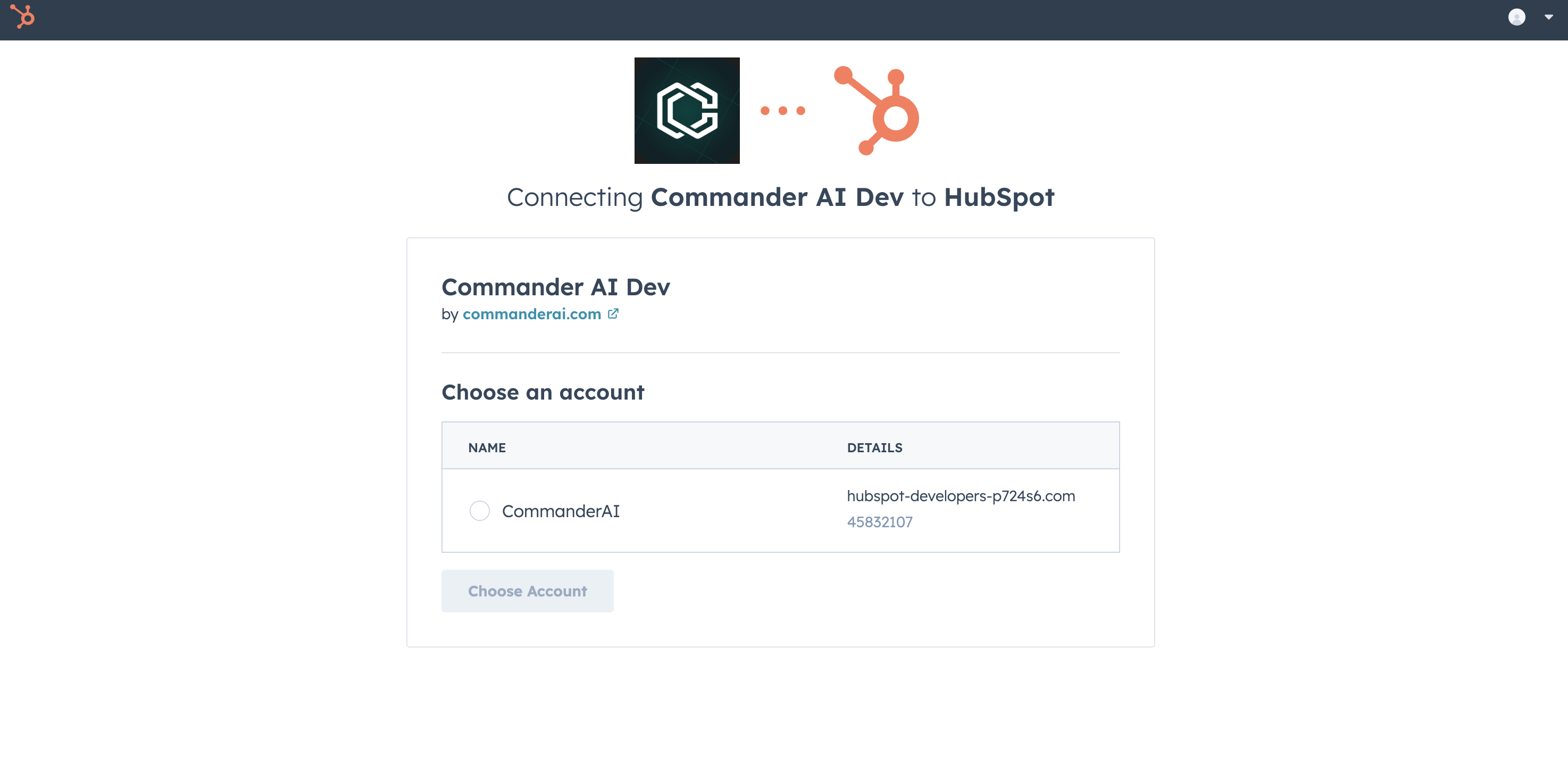
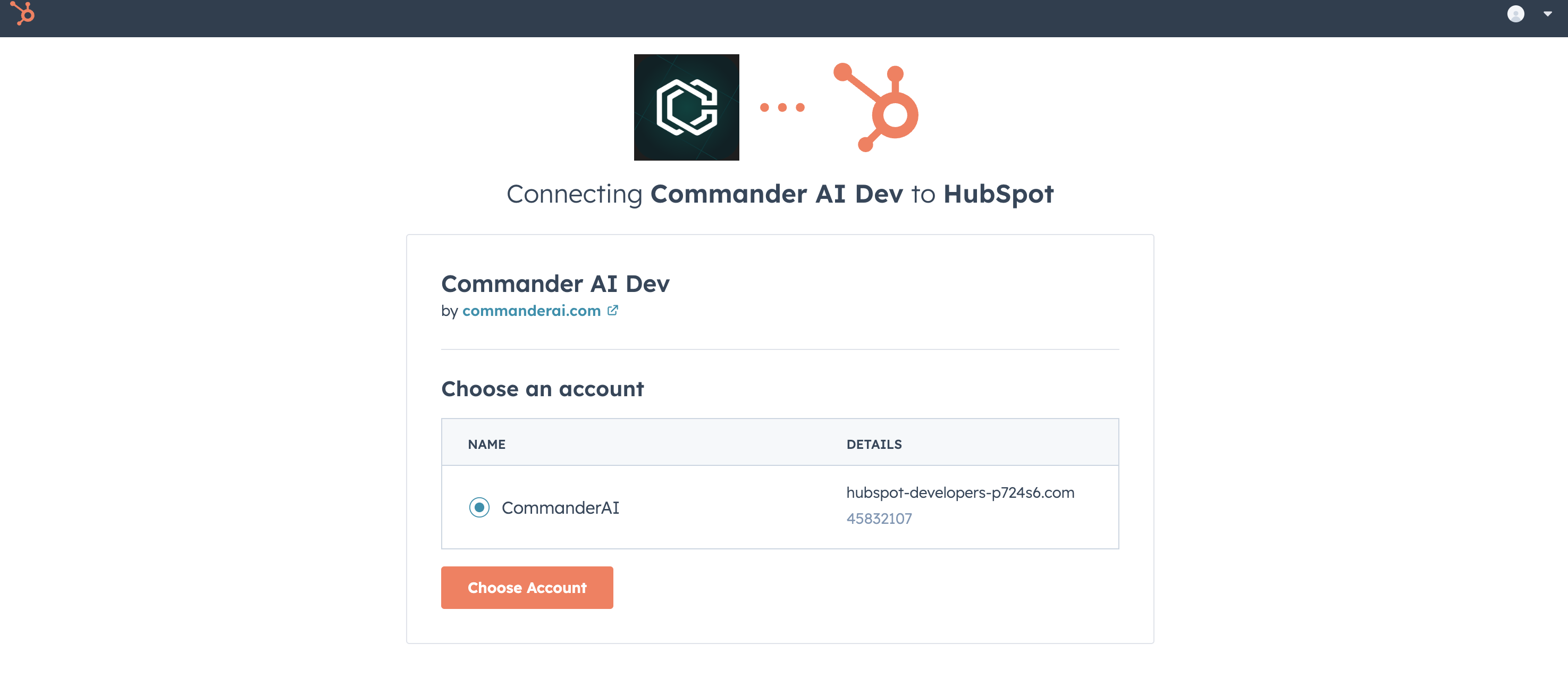
Select your HubSpot account.
6
Click Choose Account.
7
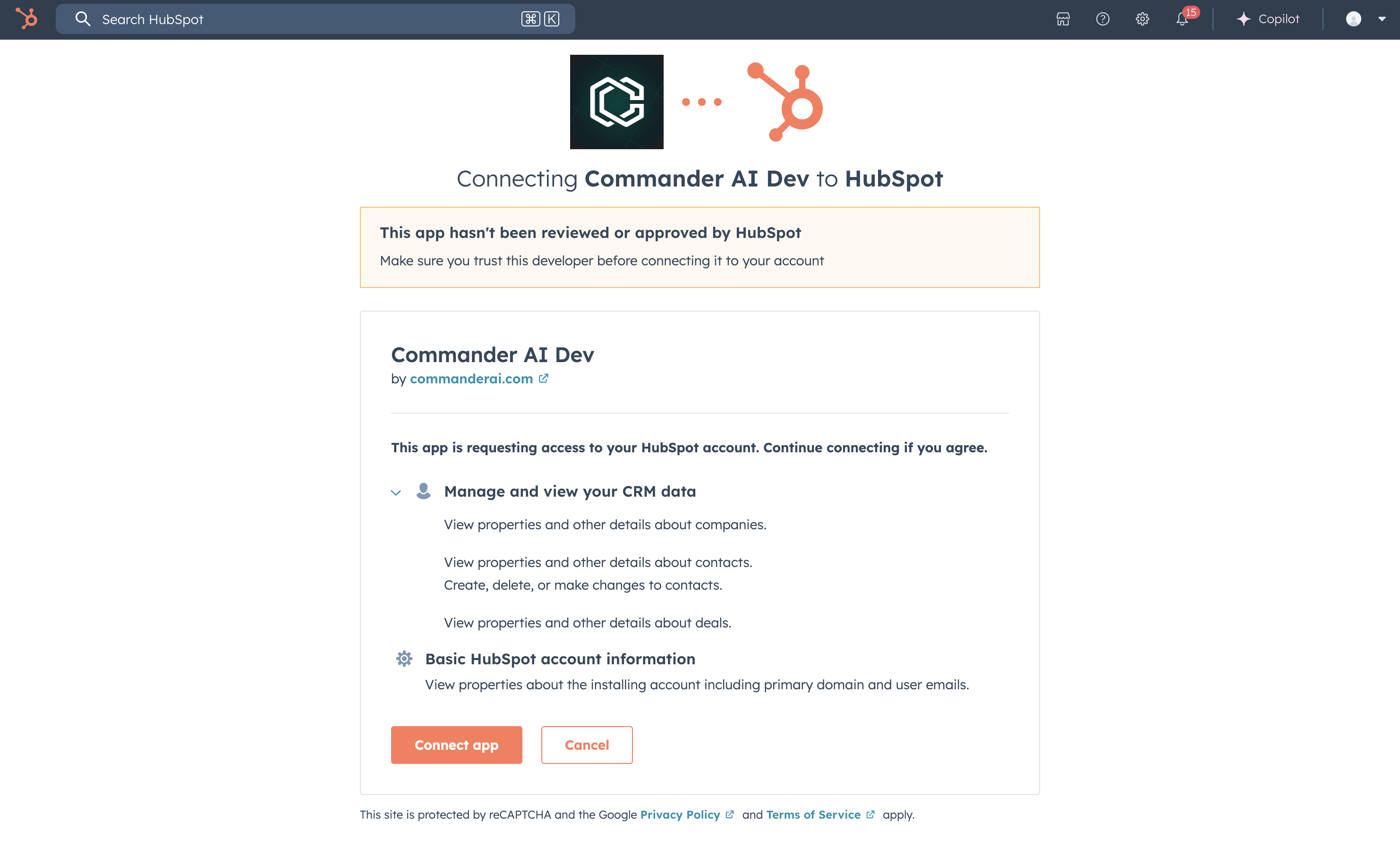
Review the requested scopes on this screen. CommanderAI requests access to read
data about contacts, companies, and deals. We request access to write contacts (create, update, delete),
though in practice our app only creates new contacts.
8
Click Connect app.
You will be redirected back to the CommanderAI "Integrations" page, and no further configuration is needed.
Use the app
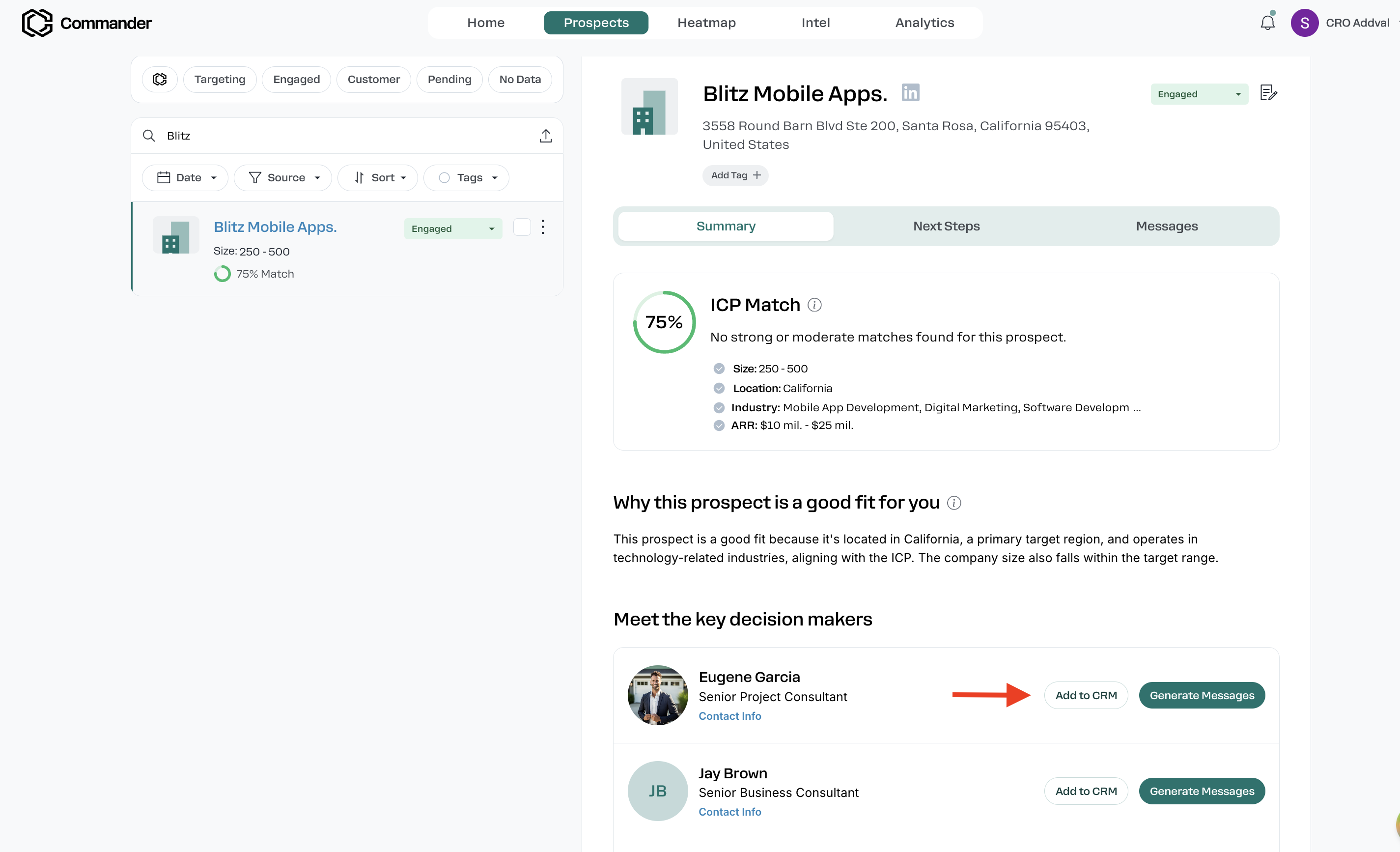
CommanderAI allows you to export leads generated from CommanderAI into your HubSpot account. You can do so by clicking the "Add to CRM" button on the lead card.
Uninstall CommanderAI
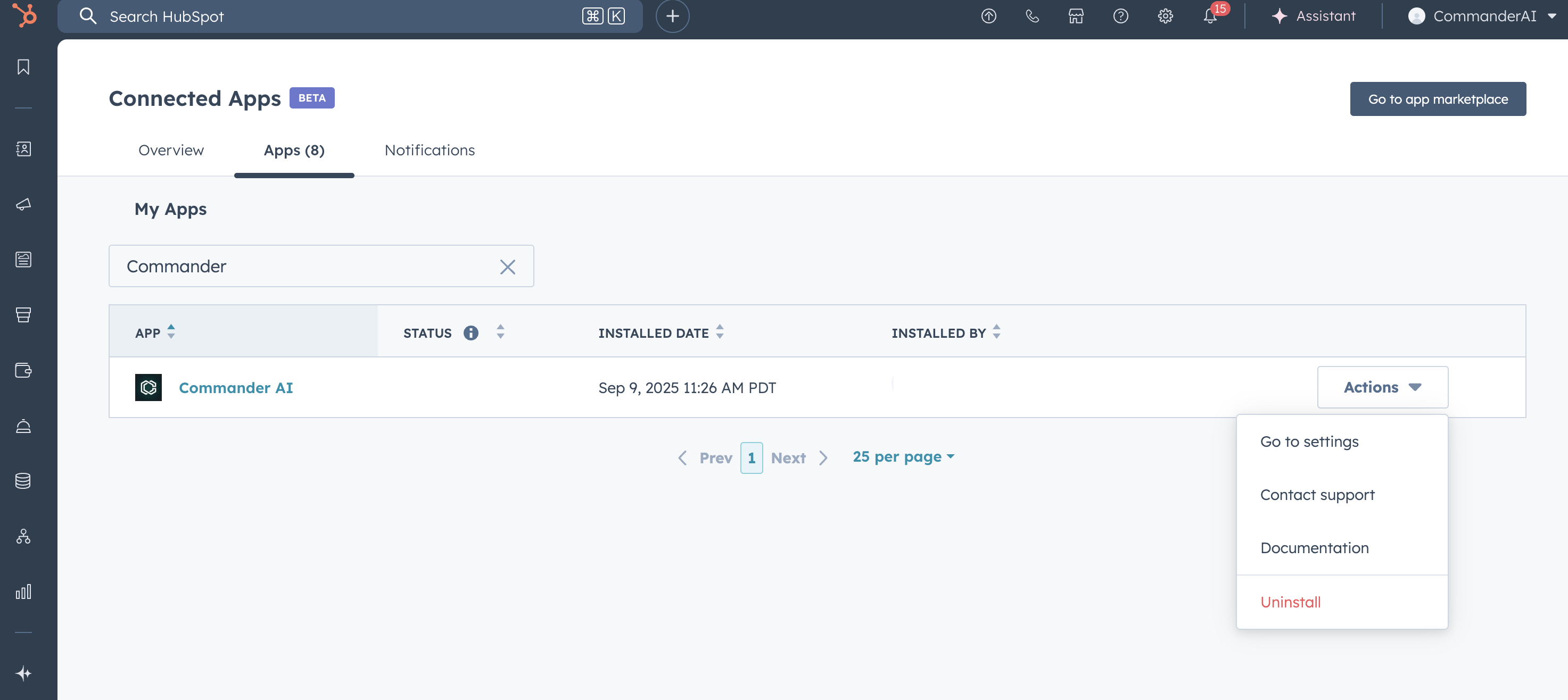
If for any reason you need to uninstall OrgChartHub then you can do so within your HubSpot integrations settings page.
1
In your HubSpot account, click the settings icon in the top navigation
bar. In the left sidebar menu, navigate to Integrations > Connected Apps.
2
Find the CommanderAI app.
3
Click Actions on the CommanderAI app, then click
Uninstall